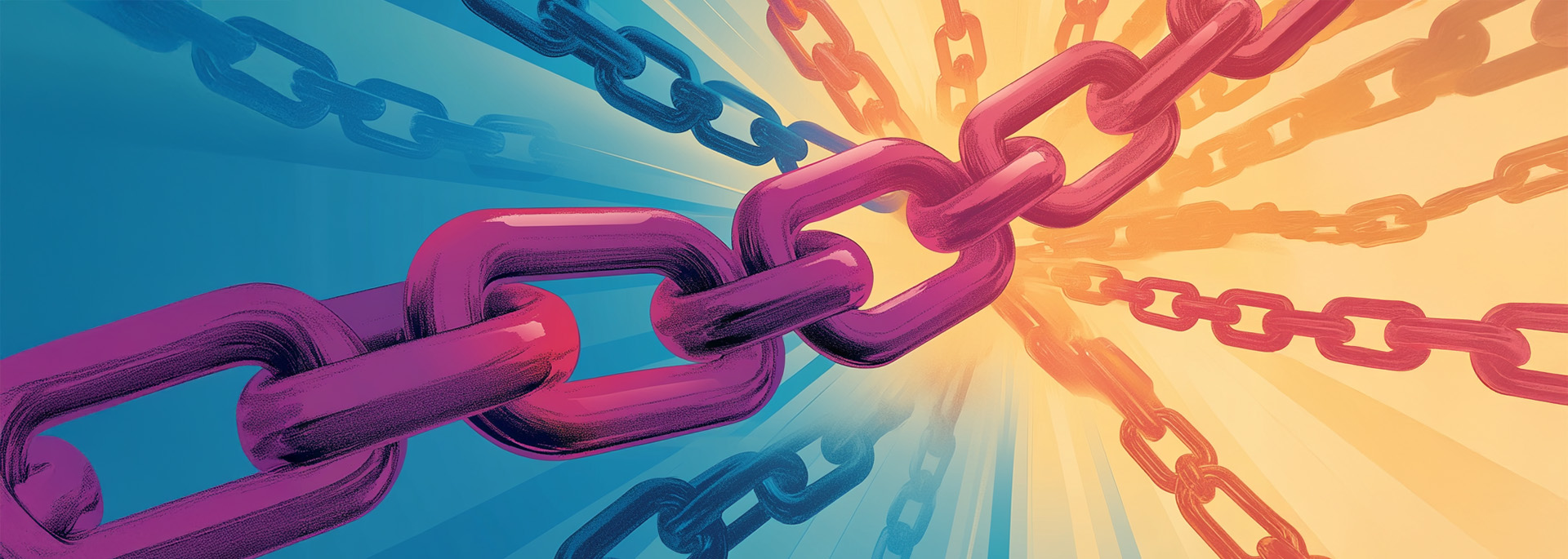
Internal linking is an important SEO, organic marketing, and website design practice that strategically connects the pages and resources on your website through the use of hyperlinks. When properly used, internal linking can enhance your website’s performance in search results and boost your company’s rankings in a way that attracts more local customers.
Why Internal Linking Matters for SEO
In all the different competitive industries that capitalize on the use of an online presence, standing out among the competition is essential for driving traffic, generating leads, and growing your business. In short, internal linking is an important strategy that helps boost your website’s search engine rankings, which in turn offers companies a number of tangible benefits.
What Are Internal Links in SEO, and How Do They Work?
Internal links are hyperlinks within the written content on your website that direct users to other pages or resources that are still on the same site, which explains the term internal links. These website design tools work the same way as external links, but they keep visitors on your page and engaging with your content and information instead of taking them away to view the content and offerings on other sites.
The Benefits of Internal Linking to Improve SEO Performance
Including internal links on your website provides several benefits related to the overall user experience as well as search engine performance. For site visitors, internal links help with website navigation by establishing a hierarchy of pages that they can move through with more ease as they engage with your content. This ease of navigation can similarly boost your site’s search engine rankings because it provides a pathway and guidance through the website that makes it easier for search engine algorithms to discover and understand your content.
How Internal Links Drive Traffic and Improve Site Navigation
The boosted rankings and increased ease of navigation provided by internal links directly affect both the traffic on your site and what visitors do once they are there. Specifically, enhanced search engine rankings will increase the number of people who click through to your site, while clearer pathways and page hierarchies within it will help those users find relevant information easily, which increases the chance that they will contact you or make an appointment.
Things to Remember for Implementing Internal Links
Understanding what internal links are and how they can benefit your website is just the start. Getting the most out of your website’s internal linking strategy means following some important best practices along the way.
The Strategy of Placing Internal Links
First, effective internal links need to be intentional and strategic. This requires careful consideration of how you will structure your site and, as a result, how and where you will place its internal links. Start by identifying the most important pages on your website. Options may include your service page, contact form, or other important elements that you want to highlight. These are the pages that you want to pay the most attention to when it comes to internal links. Next, create keyword-rich anchor text for those pages and then fit that text naturally into the content of the other pages on your site.
Prioritizing Pages to Create Effective Internal Links for SEO
When considering your internal link strategy, it’s also important to organize your content into logical categories or topics, creating a structure where related pages connect seamlessly. One way to do this is to use keyword-rich anchor text to link to these pages naturally within your content. Not only will this positively affect your SEO, but these logical connections ensure the links provide value and context for readers, effectively improving the user experience.
How Many Internal Links Is Too Many?
As you continue to build out your site and its internal links, it is important to keep in mind that it’s possible to have too much of a good thing. The common mindset, which traces its roots back to Google in the 2000s and still holds true today, is that any more than 100 links is considered excessive.
Checking Internal Links
Once you have developed a link strategy, prioritized pages for your internal links, and ensured that you don’t create too many links, the final step is to check your internal links for usefulness and functionality. This process, also known as auditing your internal links, can provide you with important information about your site. You can use software or hire a company to perform your SEO link audits.
Checking internal links is an important part of building a strong website. First, checking internal links will let you know if any links are broken. Dead links take visitors to 404 error pages, which has a negative effect on your SEO. Link audits will also help you discover if your links are going to the right pages, if you have too many internal links, and if there are some pages that could benefit from more internal linking.
Ready to Boost Your SEO with Effective Internal Linking?
Implementing a well-thought-out internal linking strategy can significantly improve your website’s search engine rankings, drive more traffic, and enhance the user experience. If you’re ready to take your website’s SEO to the next level, it’s time to start creating a seamless, strategic internal link structure that benefits both your users and search engines.
Need help with optimizing your site? Contact the team at Elevation Ten Thousand today to learn how our team of experts can assist you in building a robust internal linking strategy tailored to your business needs. Reach out now to get started!